
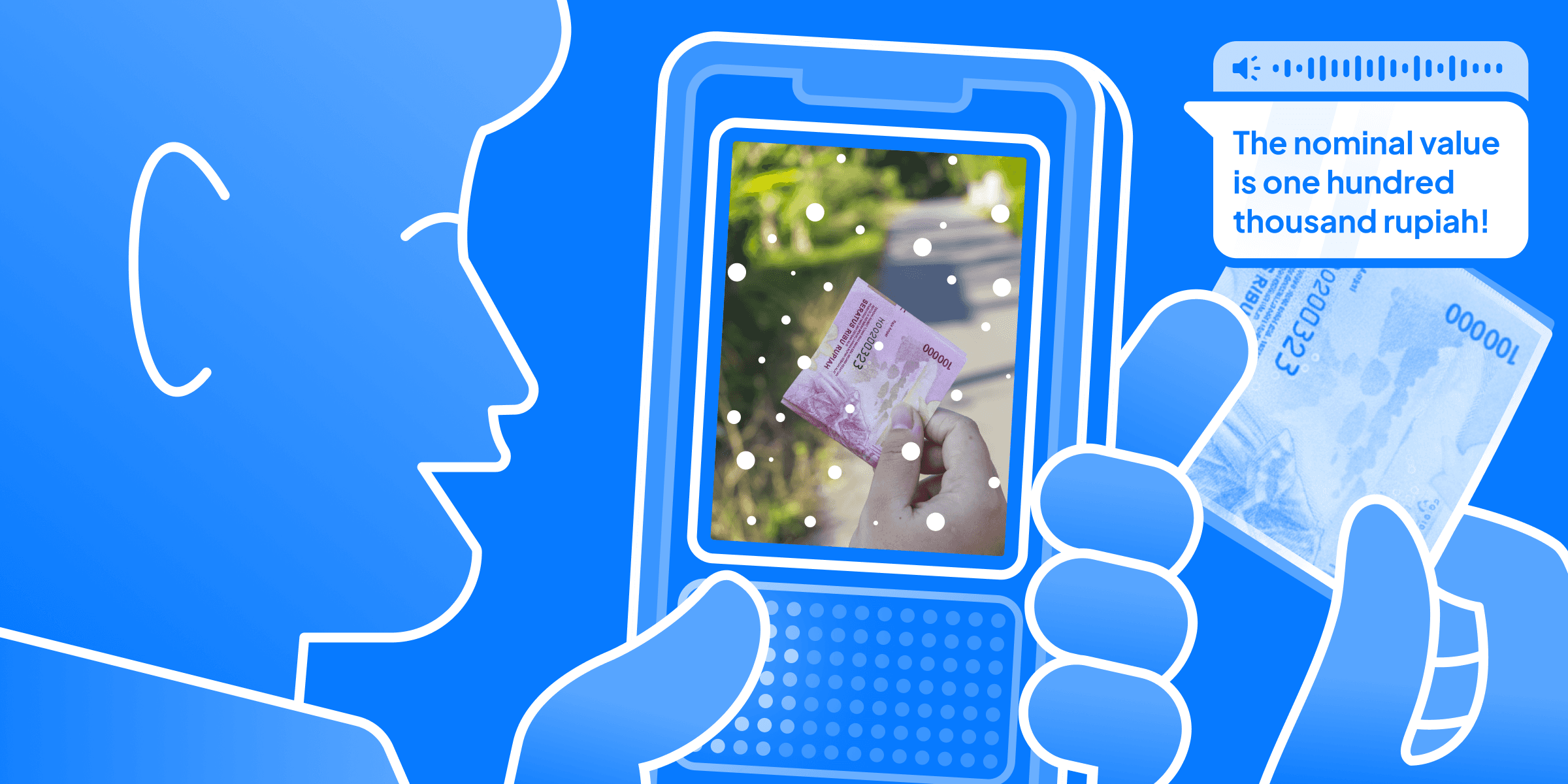
Human Computer Interaction course project at my college. I handled the project end to end, including research 🔍, design 🎨, and development 👨💻.
From January to June 2025, my Human Computer Interaction course assigned us to design an app. I chose something different from my previous projects: an app for blind users.


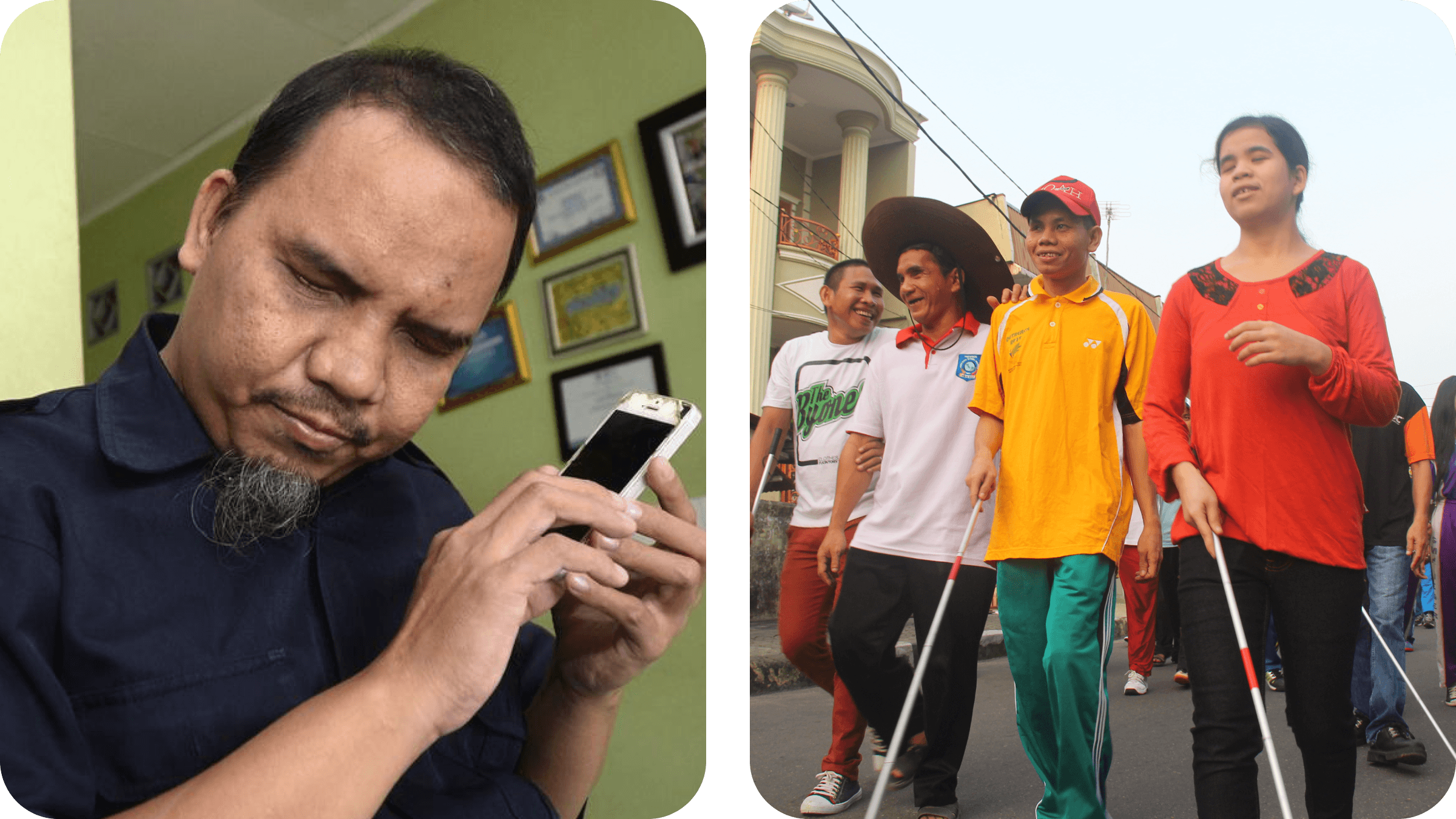
Source: jaksapedulidifabel.com (Left), adigunawaninstitute.com (Right)
Problem statement
Blind people find it difficult to identify objects in front of them because there is no one available to help, and because of privacy concerns.
Even with today’s abundance of technology, they still struggled with one basic need, an object detector that can read out what they are looking at without relying on other people. Independence mattered a lot to them, because someone will not always be there to help. Be My Eyes supports this by connecting blind users with volunteers, but privacy concerns make users hesitant to keep using it.

Solution: AI Integrated & Gesture Access!
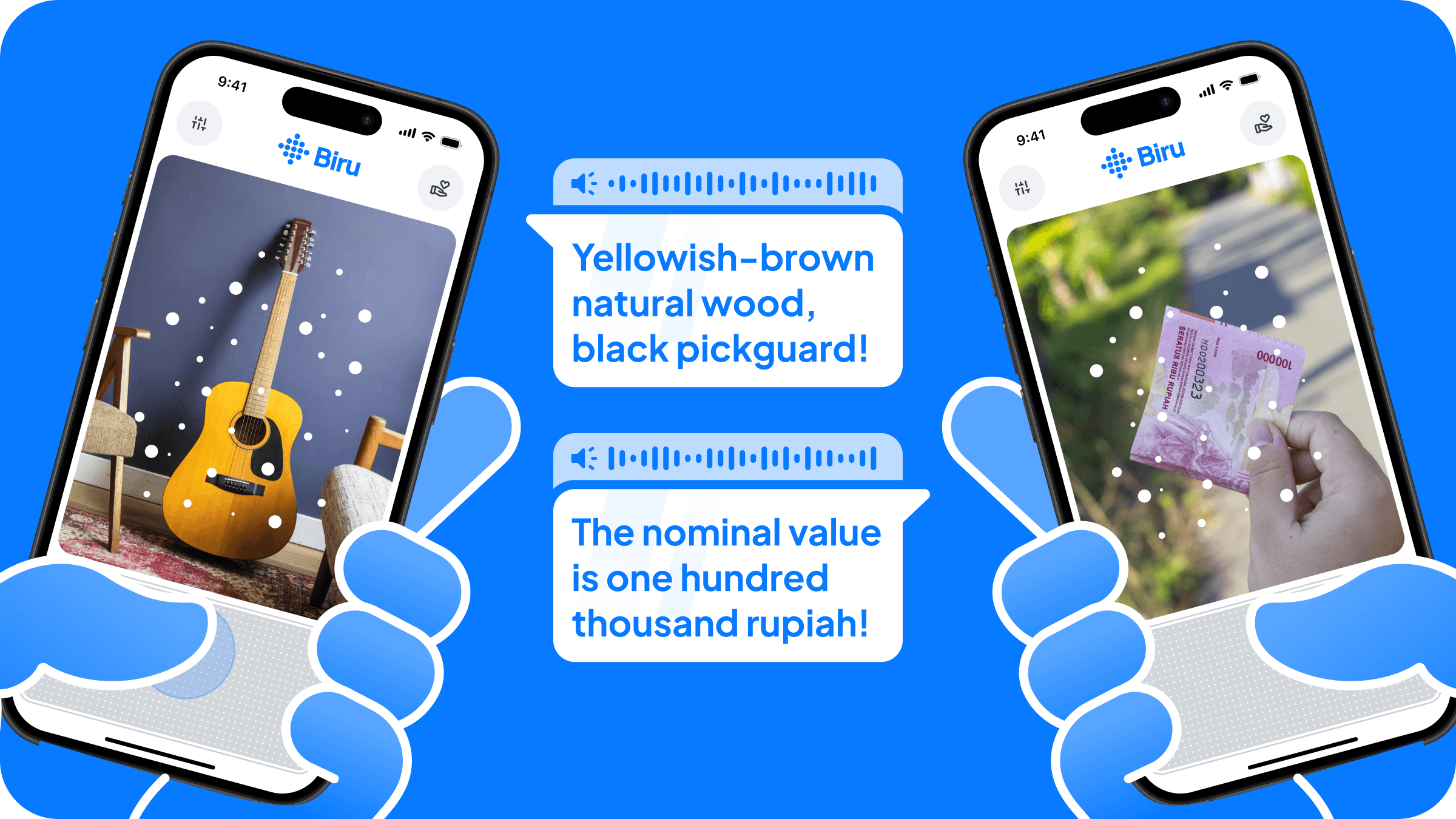
That is why I built a simple app that identifies objects and delivers audio feedback, while giving users more control than Be My Eyes, like stopping and replaying the audio. To make interaction easier, I designed the main controls around a MacBook style gesture pad, so users do not need to hunt for small buttons and can rely on a large touch area with simple gestures.

Anatomy design includes:
Camera as the area where the camera sees the object,
Gesture Pad as the area for user gestures to interact with the app,
Donation section to support the app because an app like this is more appropriate to be opened and supported by the government instead of being commercialized.
Settings where users can customize the gestures they want.
Design Iterations
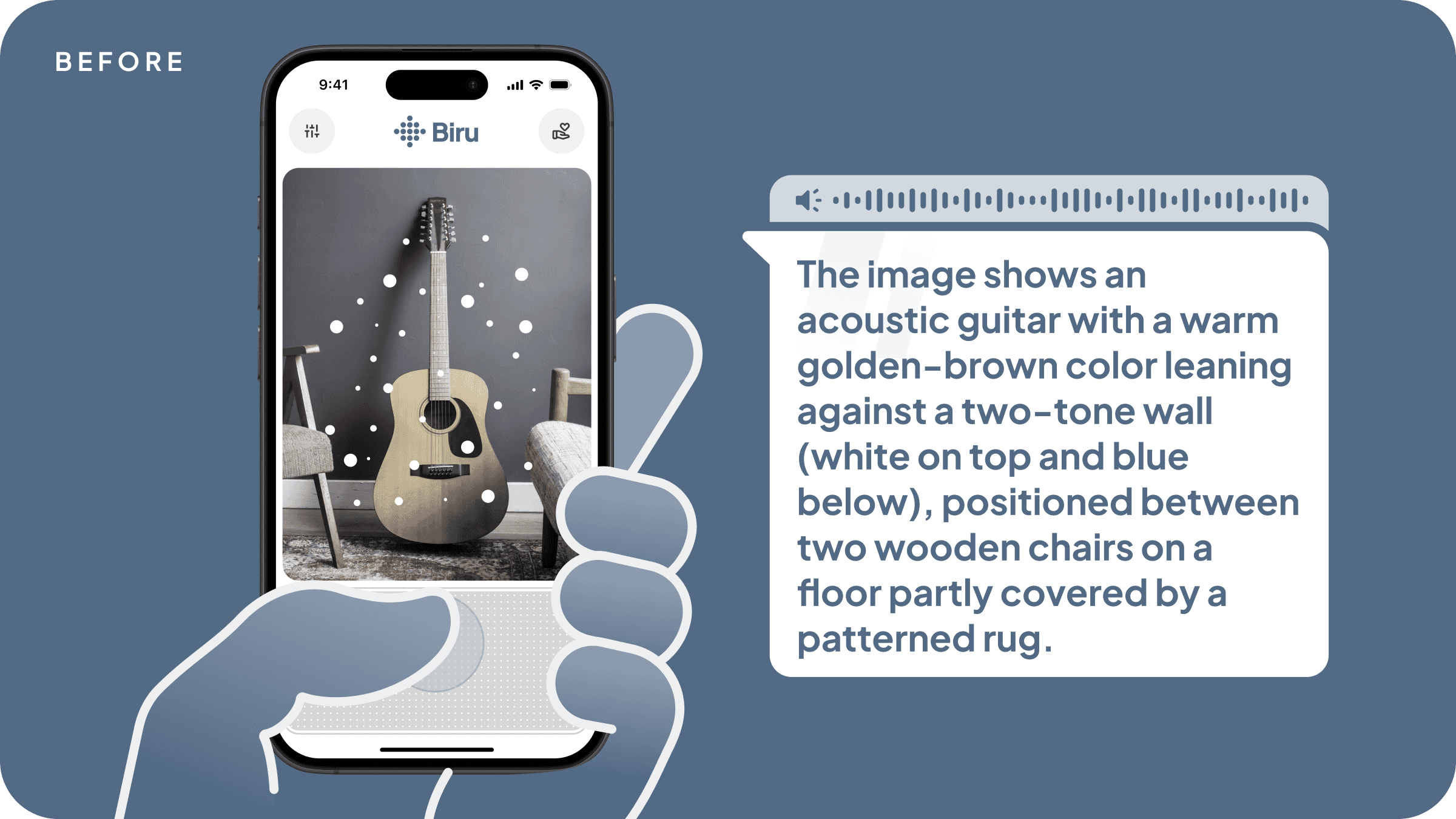
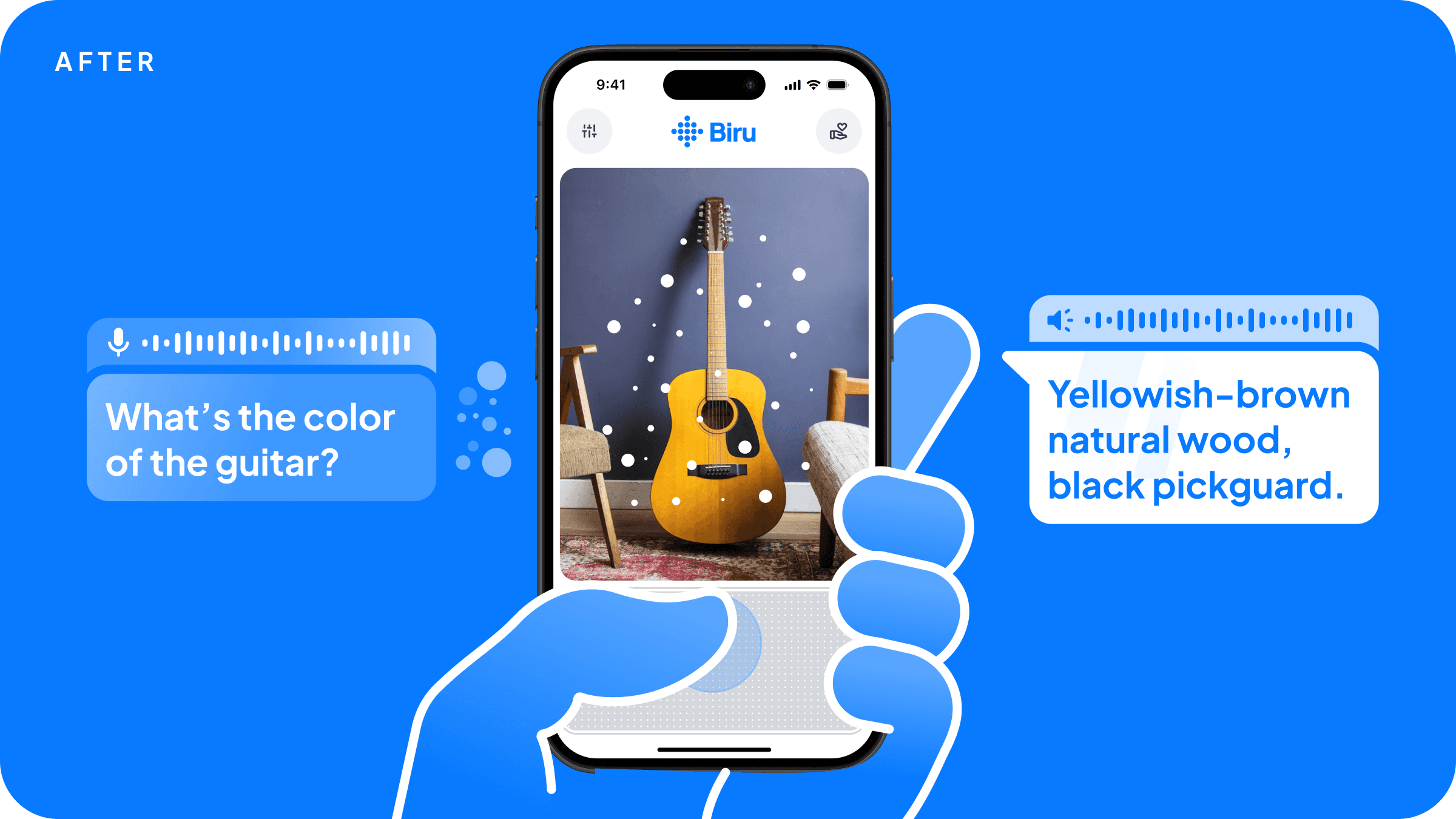
Command Speech
It would waste the user’s time if the app reads the whole scene when the user only wants to know something specific, like the color of the object in front of them. This feature receives the user’s command or request about the captured image.
Shortcut Gesture
Replaying audio
When the user is in a noisy environment and cannot clearly hear what was said.
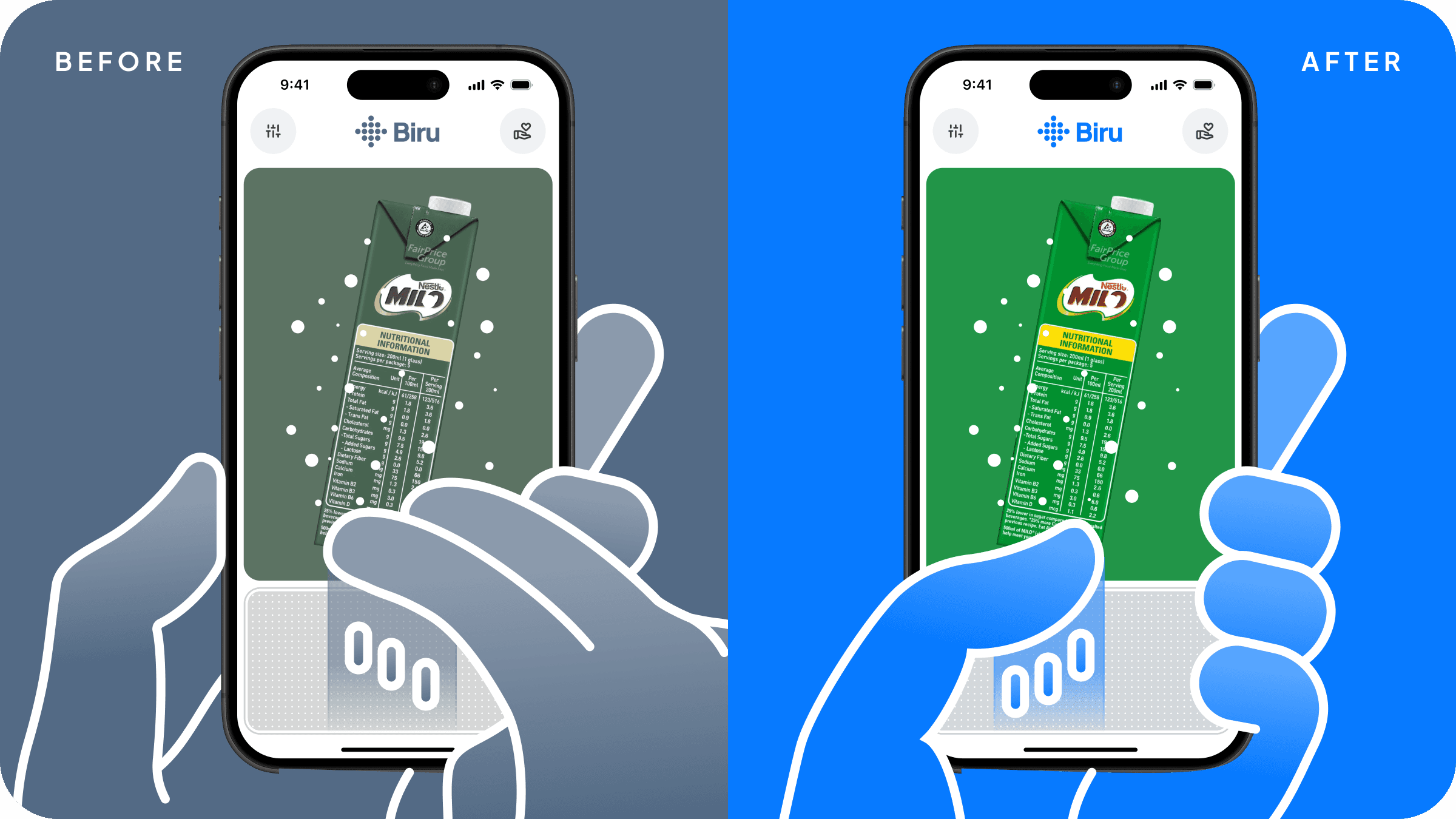
Before: the user had to swipe up with two fingers, but this gesture does not give freedom to hold an object with the other hand.
After: the user only needs to swipe up with one finger, which makes it easier when the situation only allows using one hand.
Stop Audio
When users want to identify a different object or cancel the identification process, they can stop the audio or the process itself.

Before: users had to swipe down with two fingers to stop the audio. The drawback was similar to the previous feature, since this gesture did not allow users to freely use their other hand to hold an object.
After: users can double tap the gesture pad to stop the audio, which is more efficient and allows one handed use.
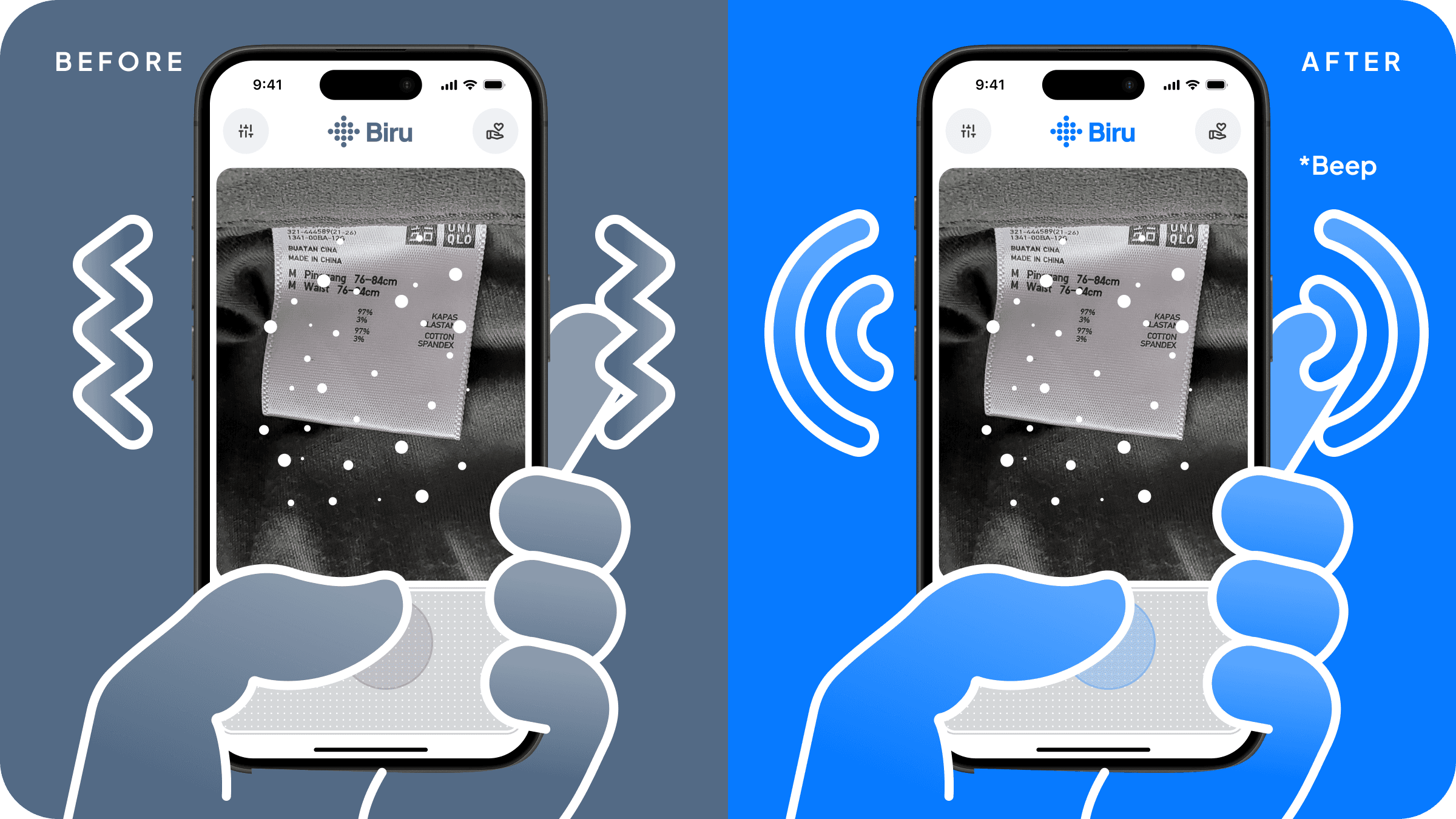
Identification State Feedback
In my previous design, I used phone vibration when the app was in a loading state, but when the app needs a long time, that vibration becomes very annoying and makes it uncomfortable to hold the phone. The beep sound is a better choice.
Epilogue
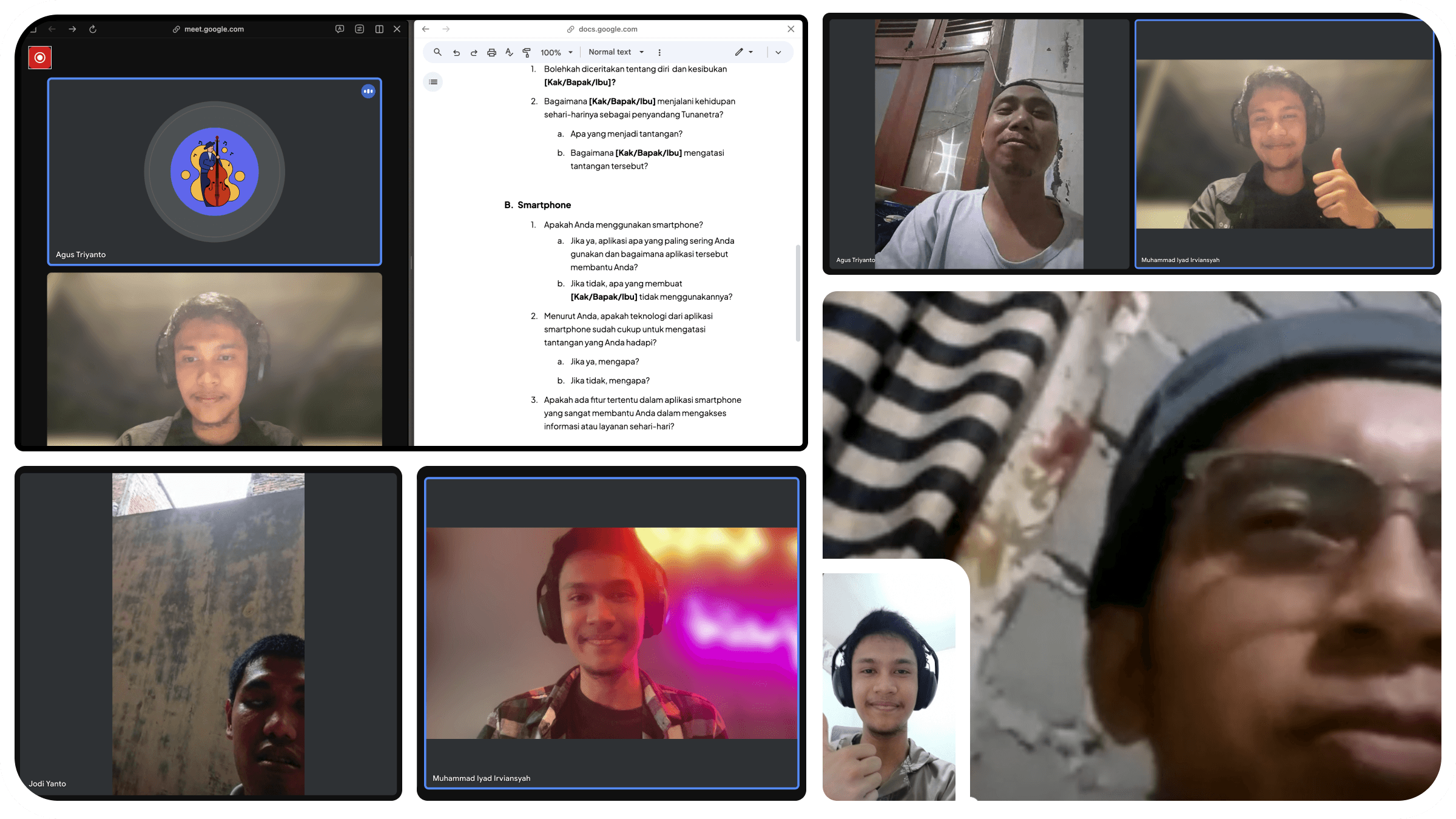
During usability testing, users felt very happy when a sound came out of their phone and read out what object was in front of them. They said it would really help in daily life, like knowing the color of an item when shopping online, knowing the contents of a product, reading cash denominations during transactions, and more.
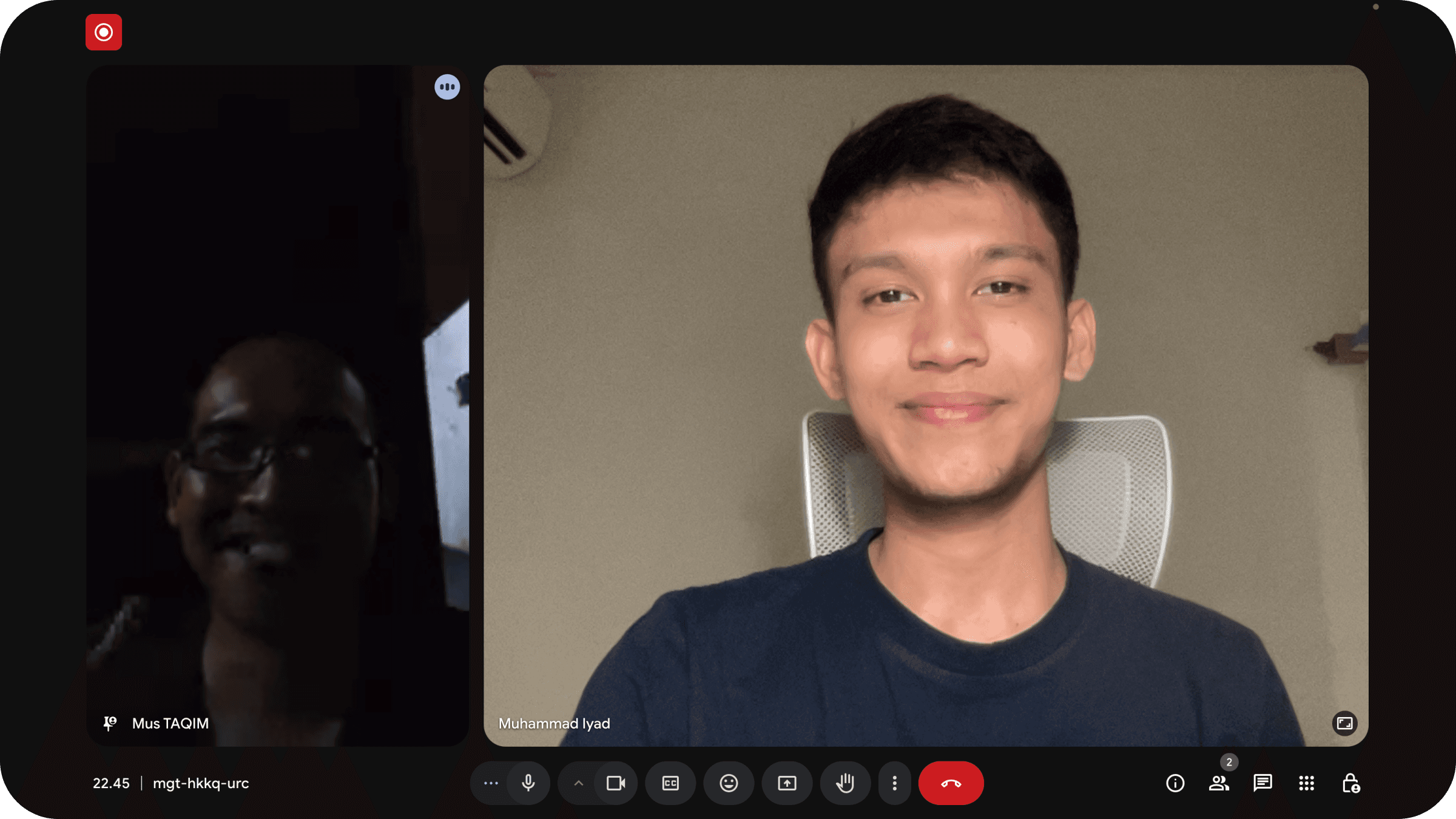
Designing an app as assistive technology gave me a new perspective and new insights into how they use technology, and how technology can improve quality of life.
Future development opportunities include expanding to more flexible and portable media, like integrating it with glasses, and adding offline usage by building my own AI model instead of using the ChatGPT API.


X / Twitter